家造りの中でも玄関にはこだわりたい、という場合もあるでしょう。ここでは、玄関の広さや方角を決める際のポイントについて解説しています。また、玄関収納や土間などについても解説しているので、みなさんの家造りに少しでも役立てたらと思います。


家造りの中でも玄関にはこだわりたい、という場合もあるでしょう。ここでは、玄関の広さや方角を決める際のポイントについて解説しています。また、玄関収納や土間などについても解説しているので、みなさんの家造りに少しでも役立てたらと思います。
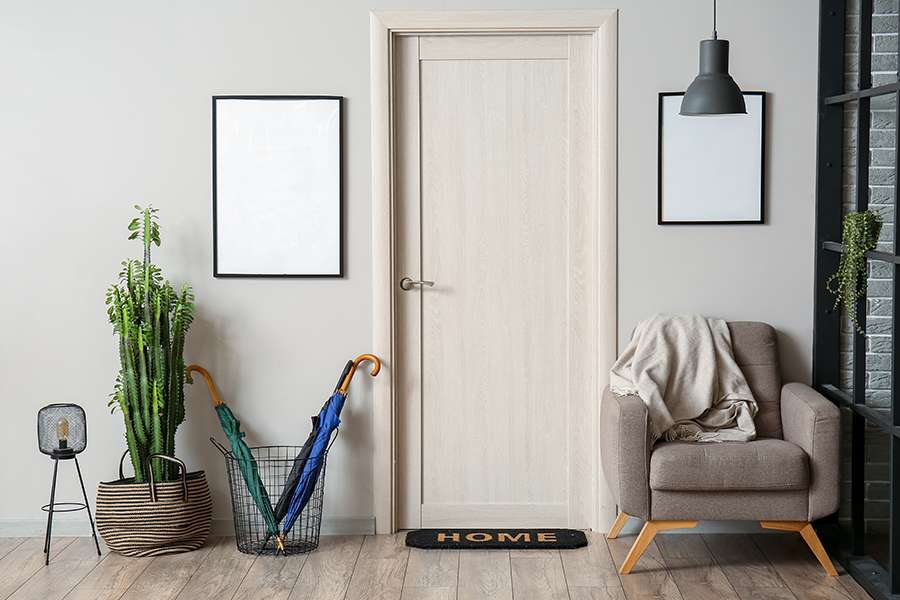
家造りをする際、リビングルームや寝室、キッチンなどのスペースを重視しすぎて玄関スペースの広さを軽視している人もいるのではないでしょうか。玄関は自分や家族以外の人が訪問したときにも必ず利用される場所…

家造りの際、玄関に吹き抜けを作るメリットとして1番に挙げられるのは、開放感です。高い位置に窓を設置すると、近隣の建物からの影響を受けにくくなります。光を取り入れやすい、明るく広々とした玄関になるで…

玄関収納には様々な種類があるため、そこで暮らす人々の生活スタイルや荷物の量に応じて最適なものを選ぶようにするのが住みやすい家造りを行うためのポイントとなります。この点、数あるタイプの中でも最もオーソドックスで使い勝手がよいとされているのがカウンタータイプの玄関収納です。これは、壁面にカウンターを設けて、その中に靴などを収納できるようにしてあるタイプのもので、限られたスペースにも設置できるというのが特徴の一つです。ただし、そこまで大型の荷物を入れられるようにはなっていないことが多いため、例えばコートなどの丈の長いアウターを収納したいというニーズがあるのであれば、他のタイプの収納を選んだ方がよいかもしれません。
大量の靴やアウターなどを収納したいという場合には、壁面収納タイプやクローゼットタイプを選択するのがおすすめです。ここで、壁面収納タイプというのは、天井から床まで一面に収納を取り付けるというもので、限られたスペースを最大限活用することによって大容量の収納を実現しています。一方、クローゼットタイプというのは、玄関や土間の一部を小部屋上に仕切ってその中に靴などの荷物を収納することができるようになっているもので、一般的にはシューズインクローゼットやシューズインクロークなどと呼ばれています。スーツケースやアウトドア用品なども入れておけるので、家の外に持って行く荷物が多いという方であれば重宝することでしょう。

洗面所の広さや収納をどれくらい確保すればいいか悩んでいる、という方も多いのではないでしょうか。ここでは、洗面所の広さやコンセントの位置の決め方について紹介しています。また、洗面所の収納スペースについても解説しています。洗面所をつくる際に、参考にしてみてください。
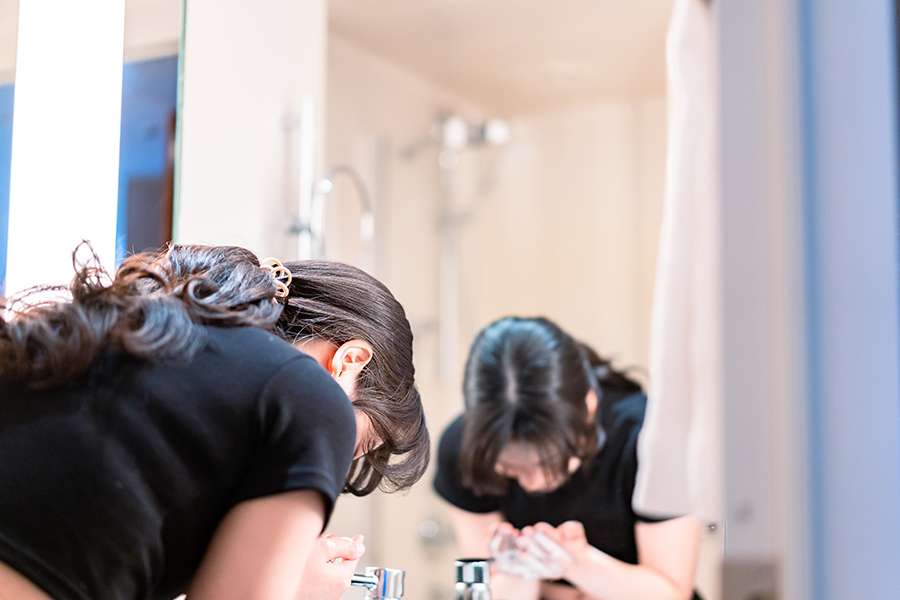
建売住宅ではなく、注文住宅の場合は洗面所の広さも予算内で自由自在に変更してもらうことが出来ます。また、毎日使うことになる洗面所は、生活の質にも関わってきますのでよく考えて決めることが大切です。家造…
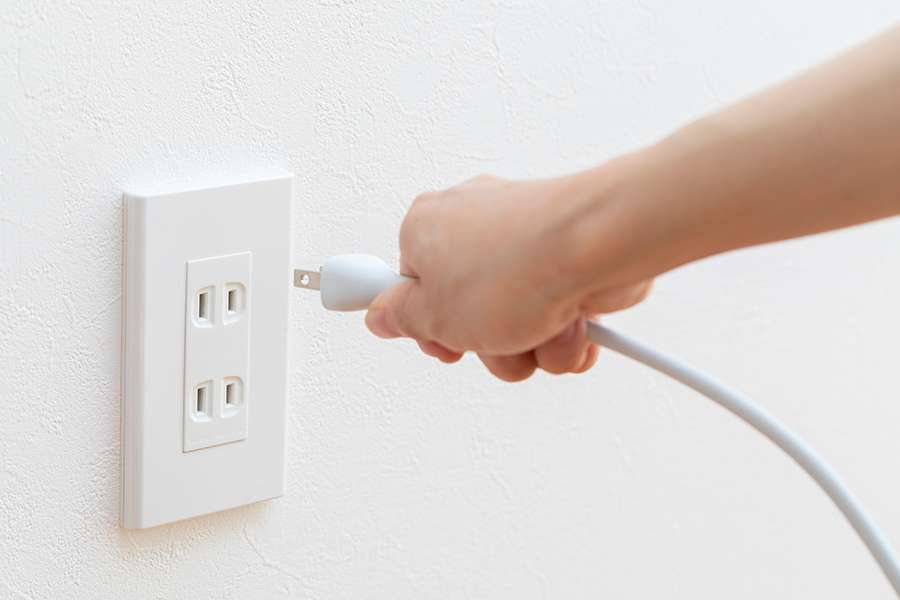
洗面所は、意外と多くの家電製品を使用することの多い場所です。近年主流となりつつあるシステム洗面台には1~2個のコンセントが付いていますが、これはドライヤーやヘアアイロン、電動髭剃りなどを使うために…
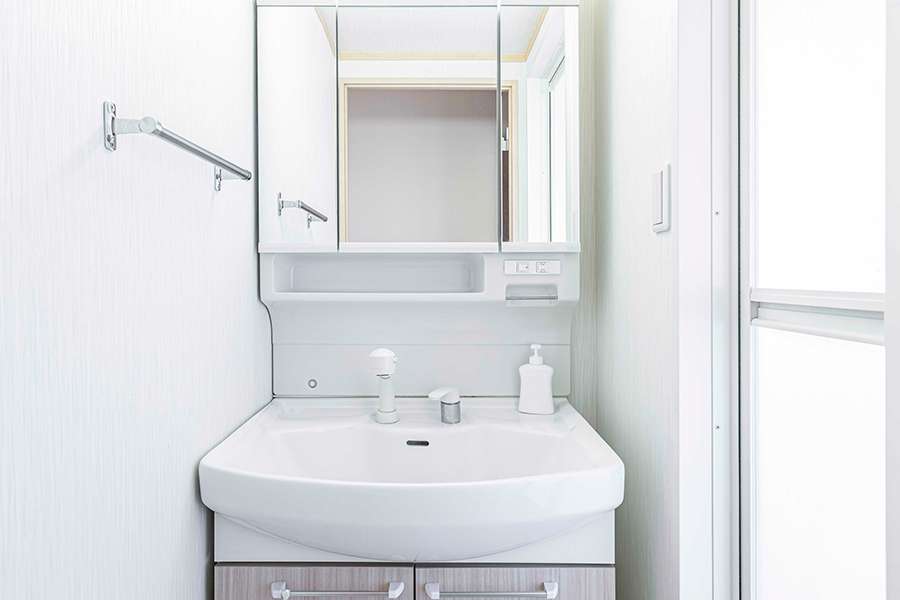
洗面台の周りは、歯ブラシや化粧品、スキンケア用品などで雑多な雰囲気になりがちです。家造りをする際、すっきり使いやすい洗面所にするためには収納スペースの確保が欠かせません。最近のスタンダードな洗面台…

平屋住宅に木造がいい理由は、鉄骨と比べて、坪単価が割安になることと、高断熱にしやすいことです。また、平屋は土地の面積や形状の影響を受けやすいので、間取りの自由度の高い木造の方がメリットが大きいです。